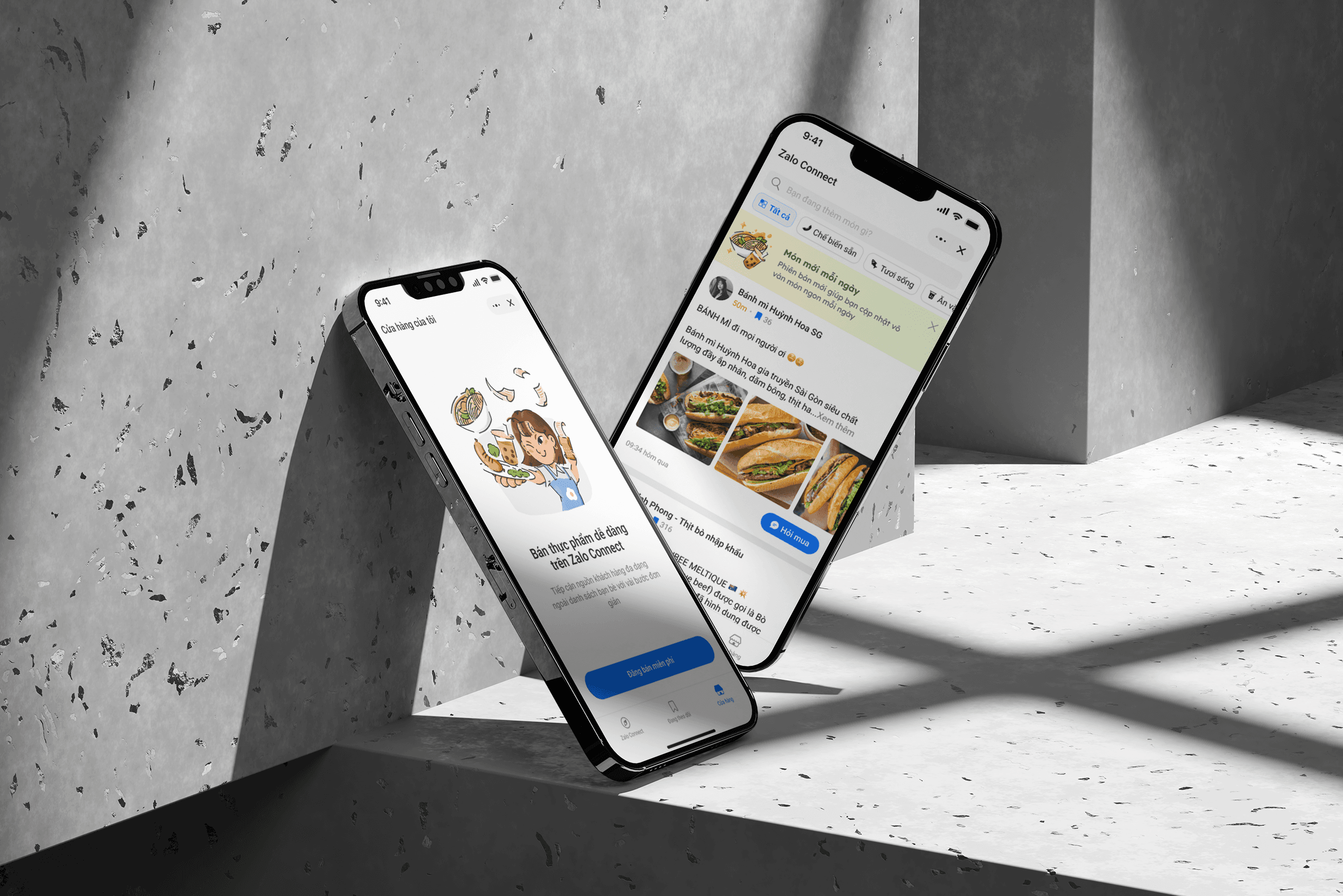
Redesign voice bubble
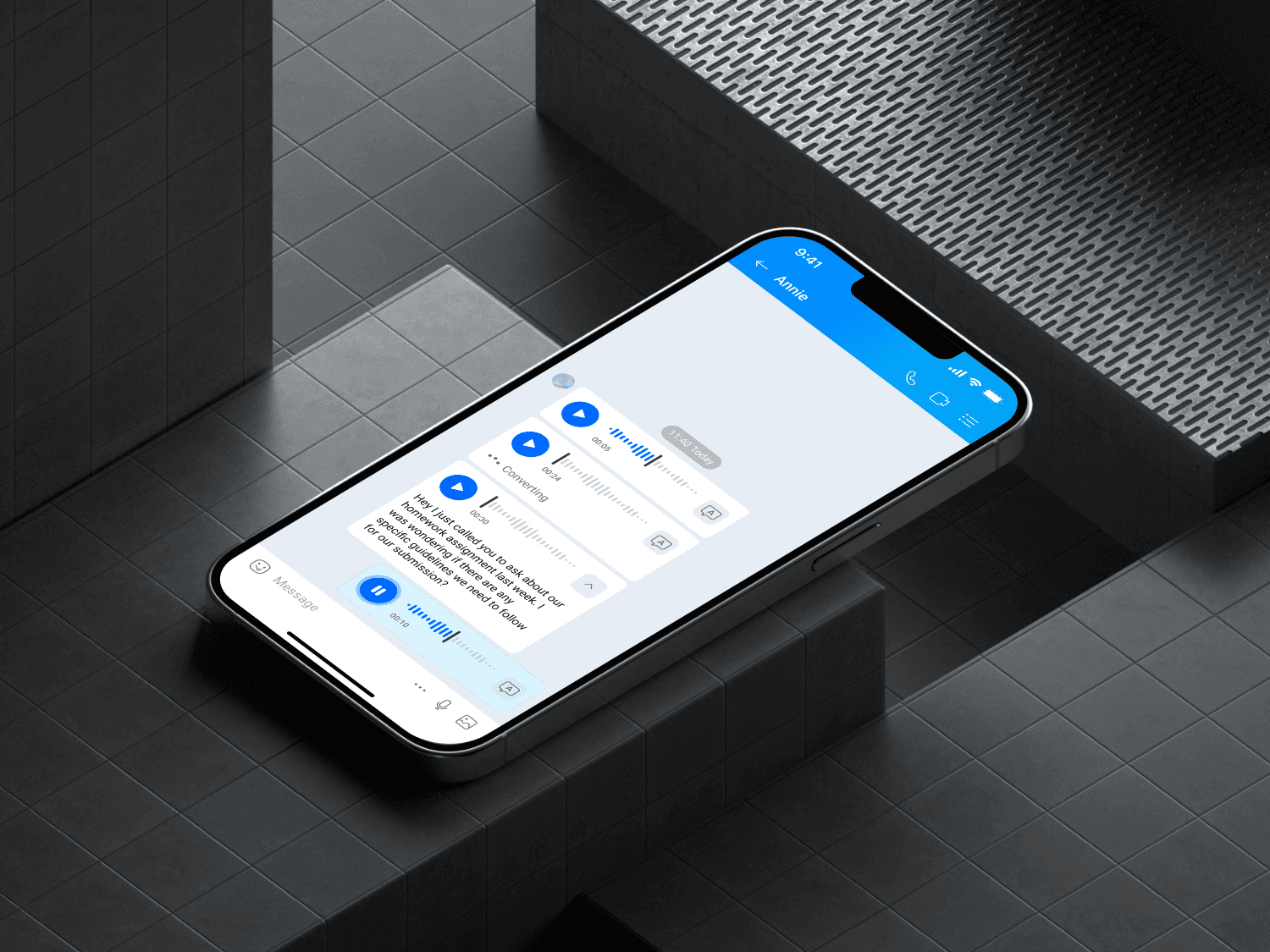
Voice message usage in Zalo has increased significantly in recent years. However, the experience of receiving voice messages on Zalo has been nothing but difficult. My task is to find out users' pain points and design a better solution for the voice receiving end, define specifications, interaction, and several statuses for the new voice chat bubble.
Timeline
December 2023 - February 2024. Released on market in May 2024
The team
1 product owner, 1 UX/UI designer, 1 UX writer and teams of developers and QC
What I did
Research, wireframe, hi-fi prototype, user testing, final product
01
Research
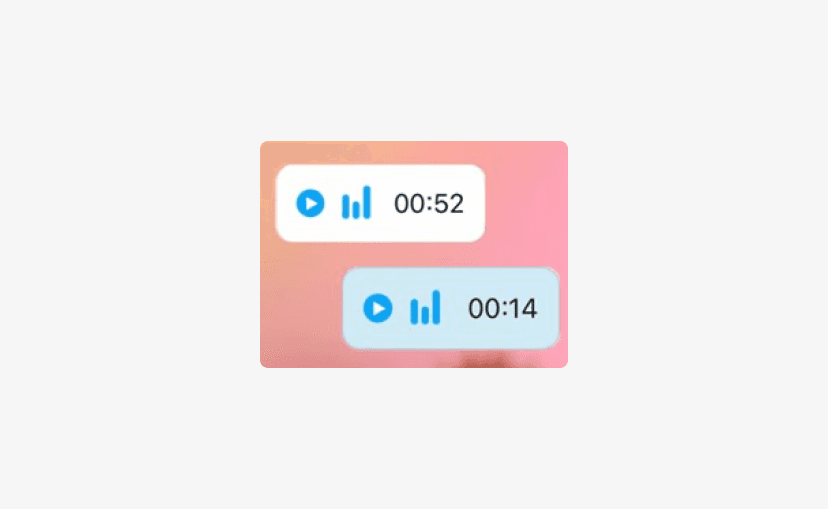
Voice bubble currently lacks basic playback function, and additional features are hard to find.
We conducted user interviews and examined user feedback channels to find out users' needs and pain points related to the existing voice bubble chat. There are numerous complaints from our users pertaining to the inconvenience of receiving voice messages.
“Cannot pause and resume the recording”
“After pressing the pause button, the recording automatically resets.”
“I cannot grasp the progress of the recording since there is no indicator”
“The voice transcription feature is hidden in the context menu, made it difficult to find”
Insights from data analysis
Voice transcription is frequently used
Users use voice transcription feature frequently (twice a week on average), but only those who receive the onboarding tooltip are aware of its location and how to access it.
Voice is used in multitasking or emotional support
Voice messages are primarily used in two cases: multitasking situations (such as by drivers or salespeople) and in close relationships for quick messages or emotional support.
Competitor Analysis
In some countries in Asia, the Middle East, and Eastern Europe, voice messages are preferred over text messages due to typing difficulties, language barriers, and cultural behaviors. Apps targeting these markets provide extra features for voice messaging: voice transcription, speed control, autoplay,...
The gap
There are very few apps that consider accessibility when designing voice bubbles: Low contrast in waveform design, text that is not comfortable to read, hard to seek to desired timestamp, and lack of clear visual cues for status,…
02
Framing the problem
The challenge we face is that the current design has been used for a long time, and there is little data available to support our assumption.
To address this, we divided the audit into two phases. Phase 1 focuses on essential voice bubble features based on our available data and user feedbacks. Once we gather additional data to validate our assumptions, we'll proceed to phase 2, which involves enhancing the voice bubble.
Therefore, phase 1 will include these features:
1
2
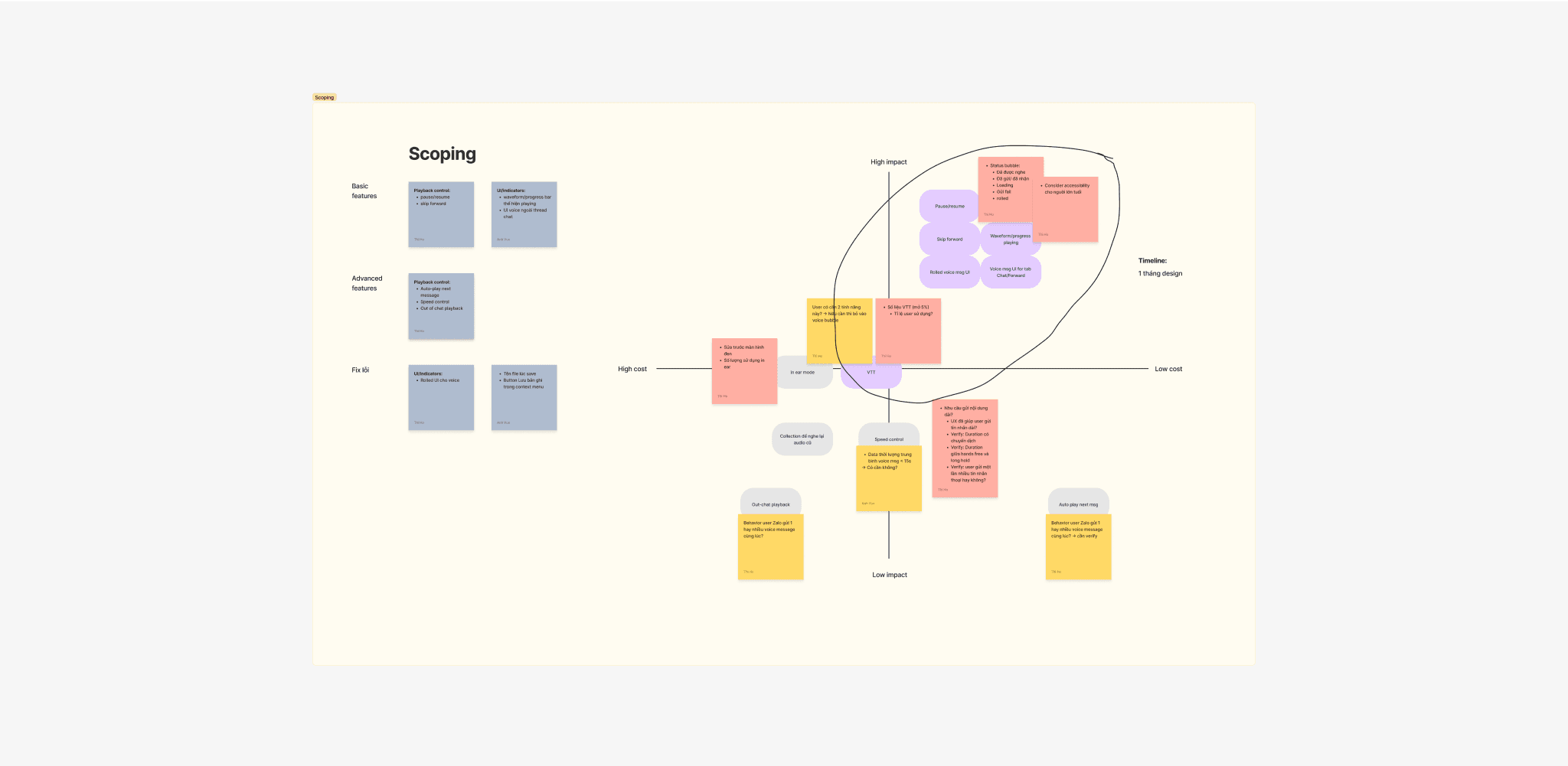
We decided to log more data for phase 2 research
To determine if Zalo users have a need to send longer messages or utilize advanced features such as speed control and auto-play, we aim to answer the following questions:
Has the current UI solution helped users send longer messages?
Has there been an increase in voice duration over the past two years?
Do users send multiple voice messages simultaneously?
03
Iteration for phase 1
Two main criteria are identified to guide the direction of solution exploration
Prioritizing user convenience
The new design should address common issues users face when receiving voice messages, especially when they are multitasking or at inconvenient times.
Accessibility
Given that voice recording is also widely used by senior users, it is important to design a voice message bubble that is clear and well-thought-out for users of all ages.
Wireframes and Prototypes
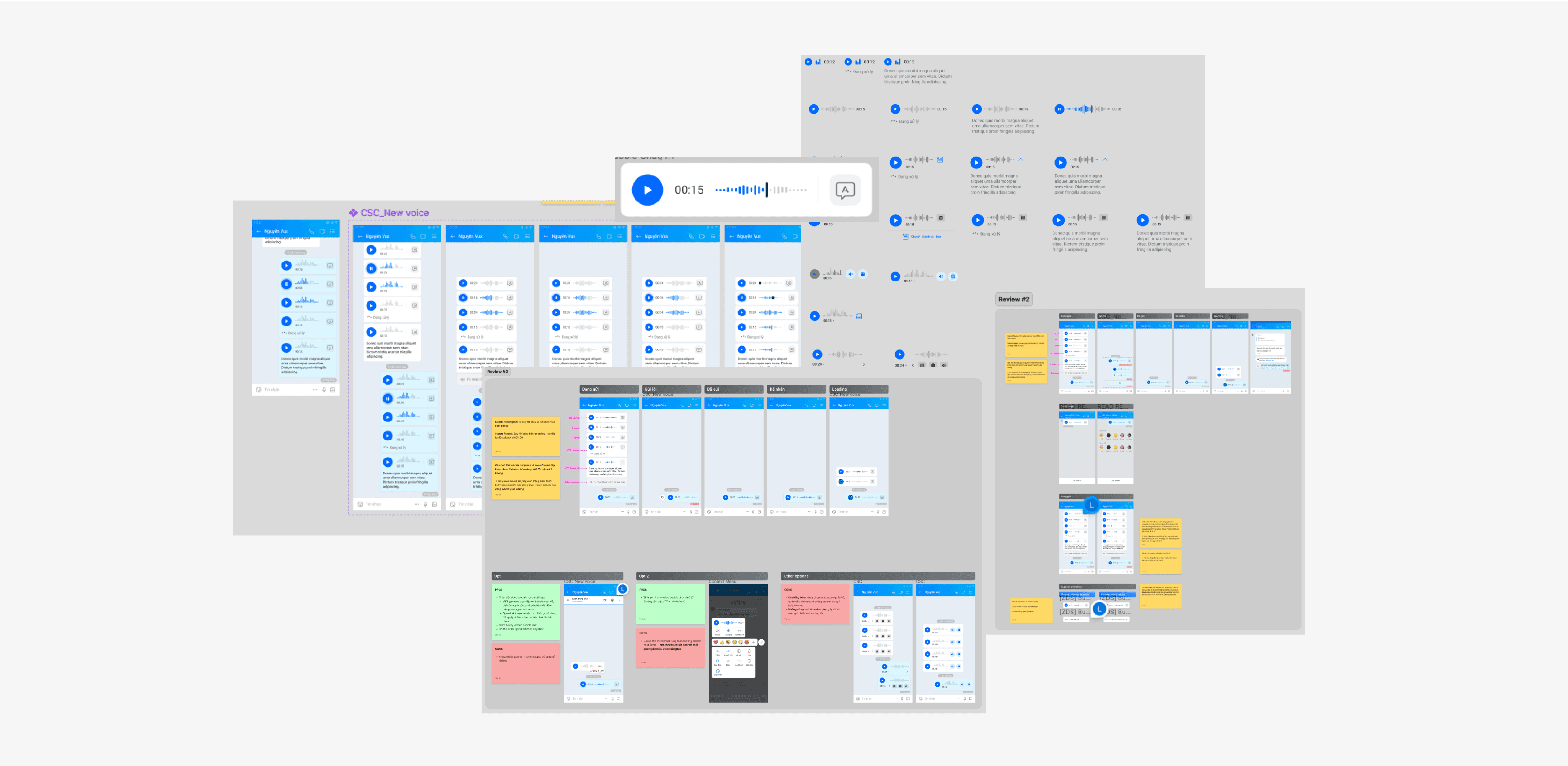
I created wireframes and multiple versions of the voice bubble chat, keeping scalability in mind. There are several factors to consider, such as the design of the waveform, the organization of button hierarchy, scalability, interaction, and accessibility.
User testing
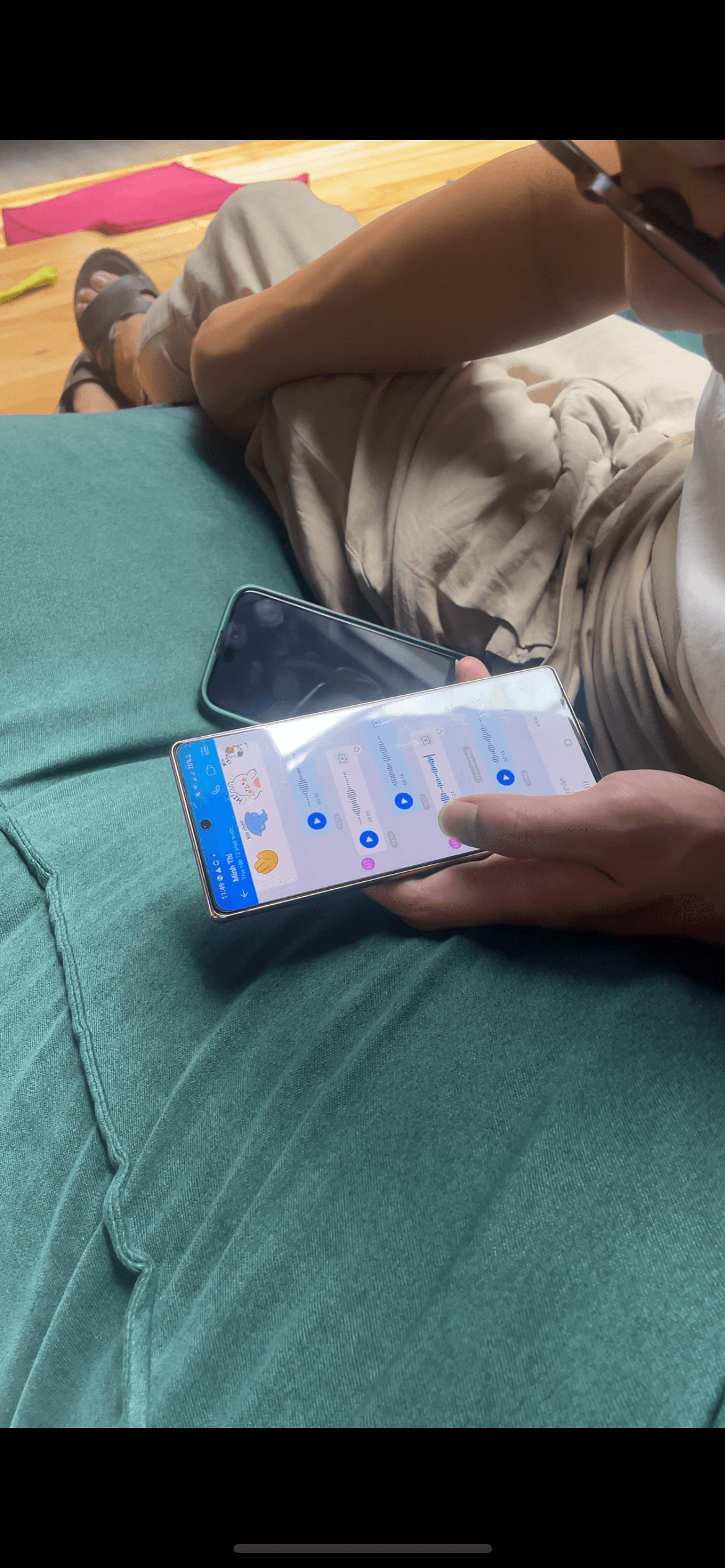
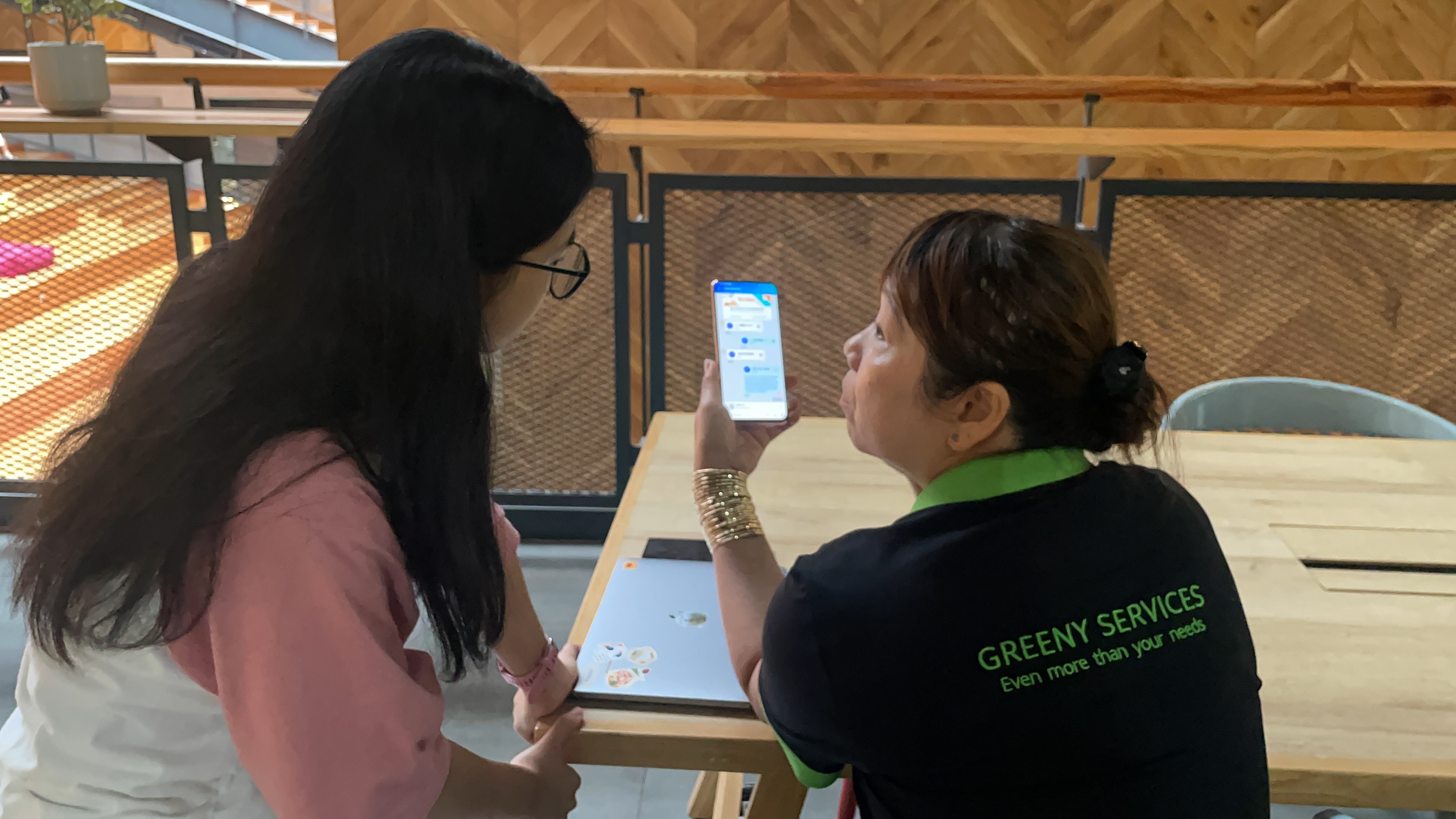
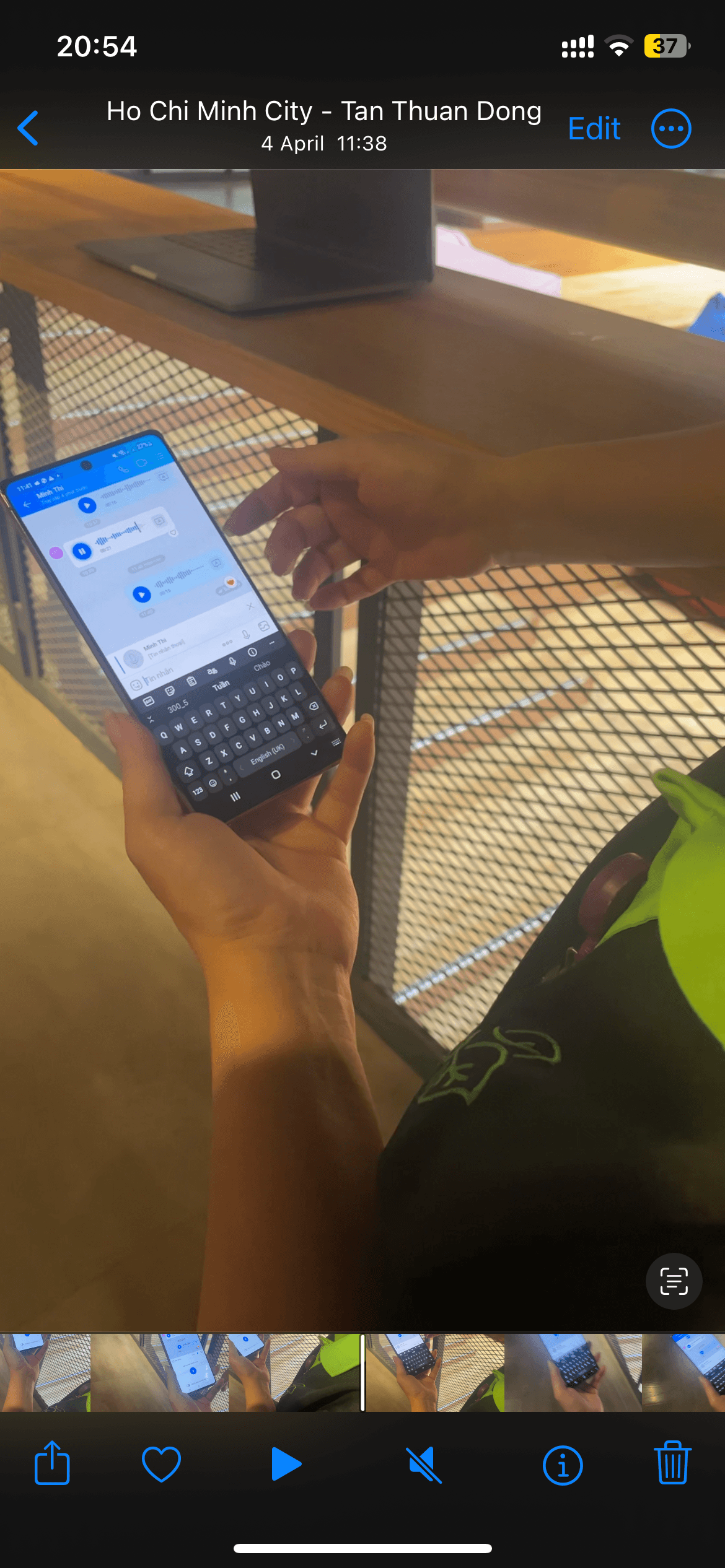
We conducted 2 rounds of user testing with heavy users of the voice message to see if they have any problem with interacting with the new voice bubble, as well as assessing touch areas of each functionality
04
Final solution
Core features
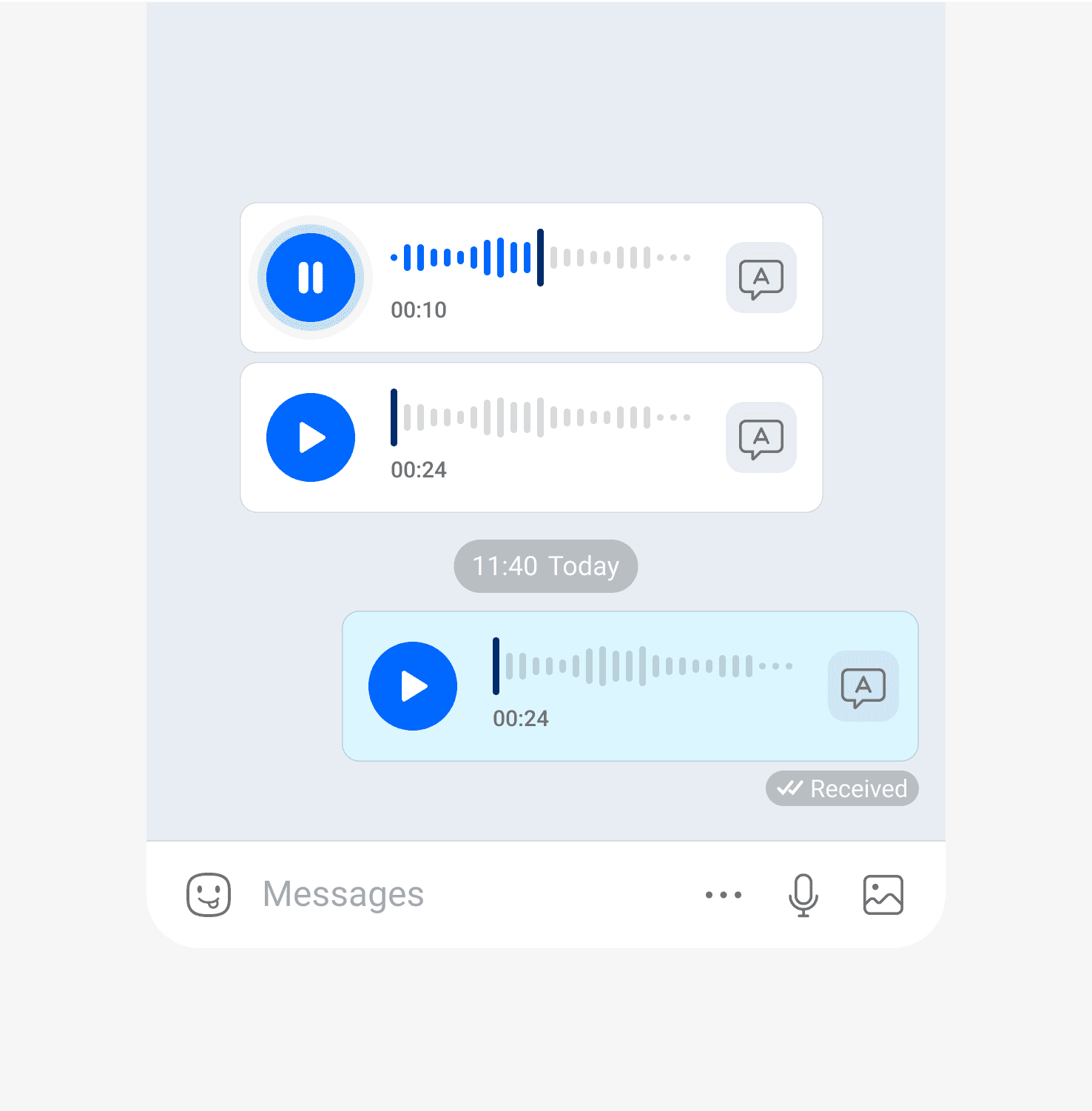
The new design includes basic playback functions like play/pause and seek (drag to the desired timestamp)
To improve waveform navigation, I added a darker handle. Users can touch the handle and lock the action with haptic touch to seek, anywhere in the finger’s reach.
The original position before seeking is also marked with the haptic touch in case user want to go back.
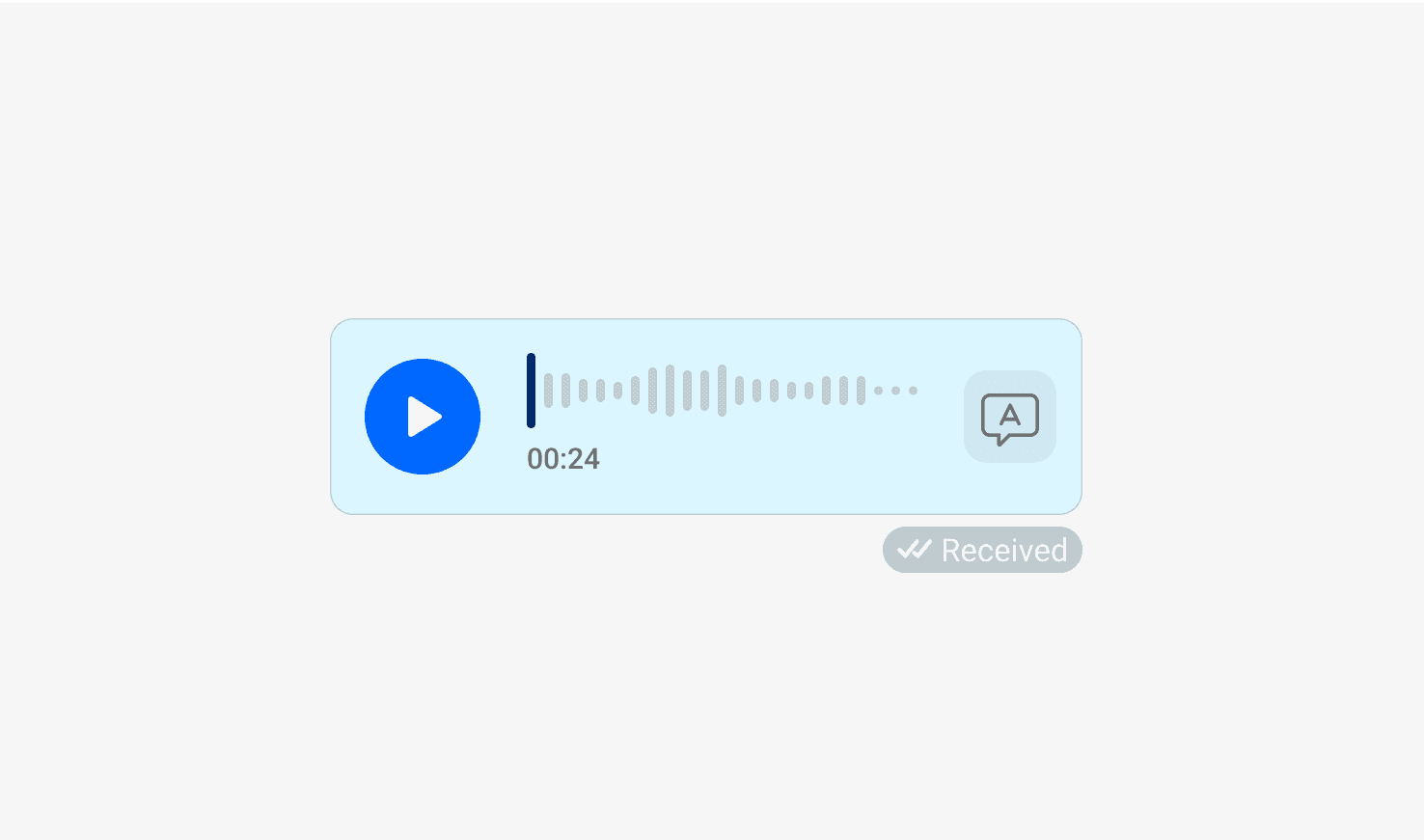
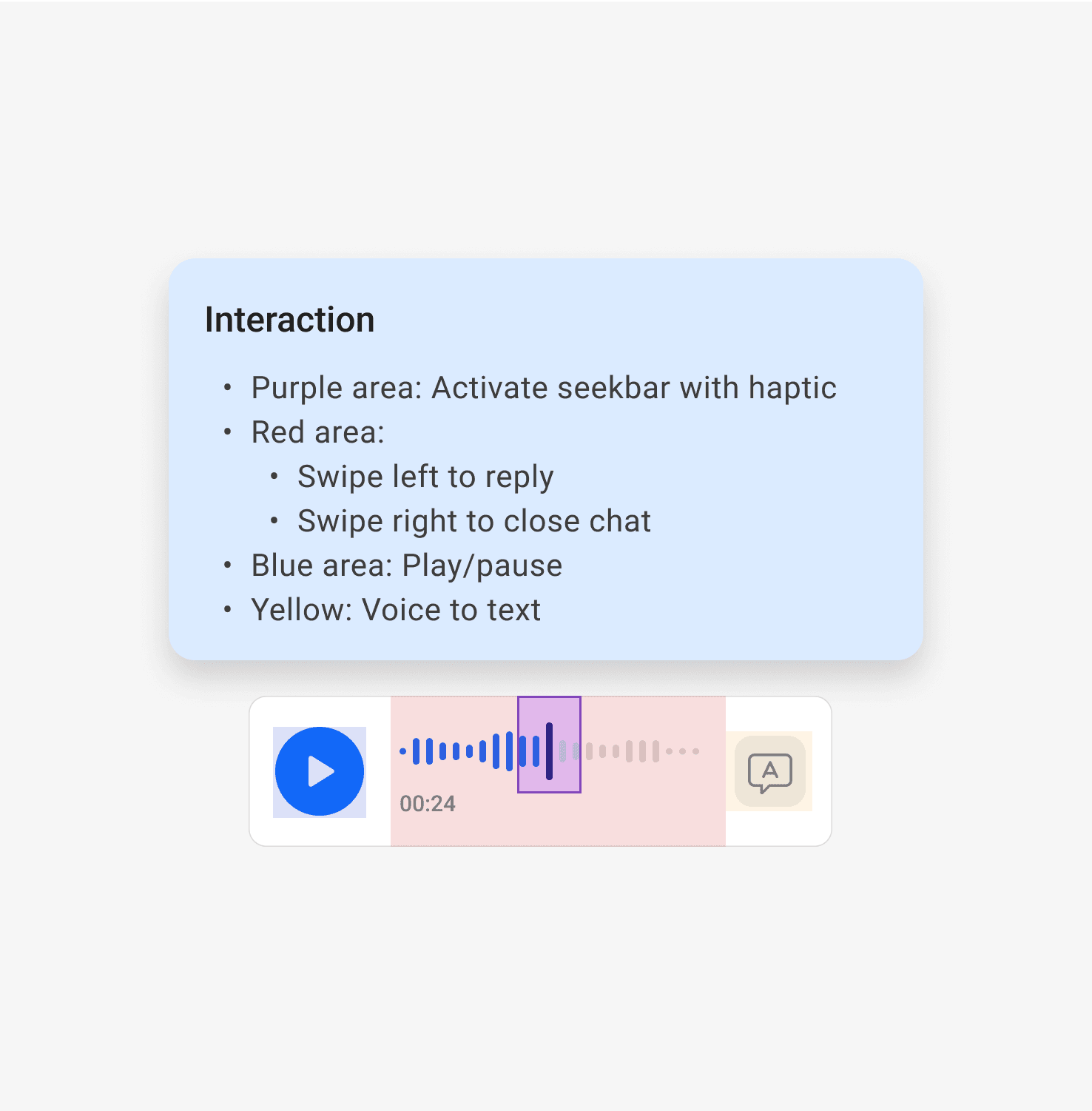
The new interaction is defined based on the user testings and priority of actions
Voice to text
Text transcription (voice-to-text) is placed directly in the chat bubble for three reasons:
Our data shows that users frequently use this feature, especially during inconvenient times.
It is a feature that our business wants to widely promote its AI application.
The transcribed text is converted directly within the chat bubble.
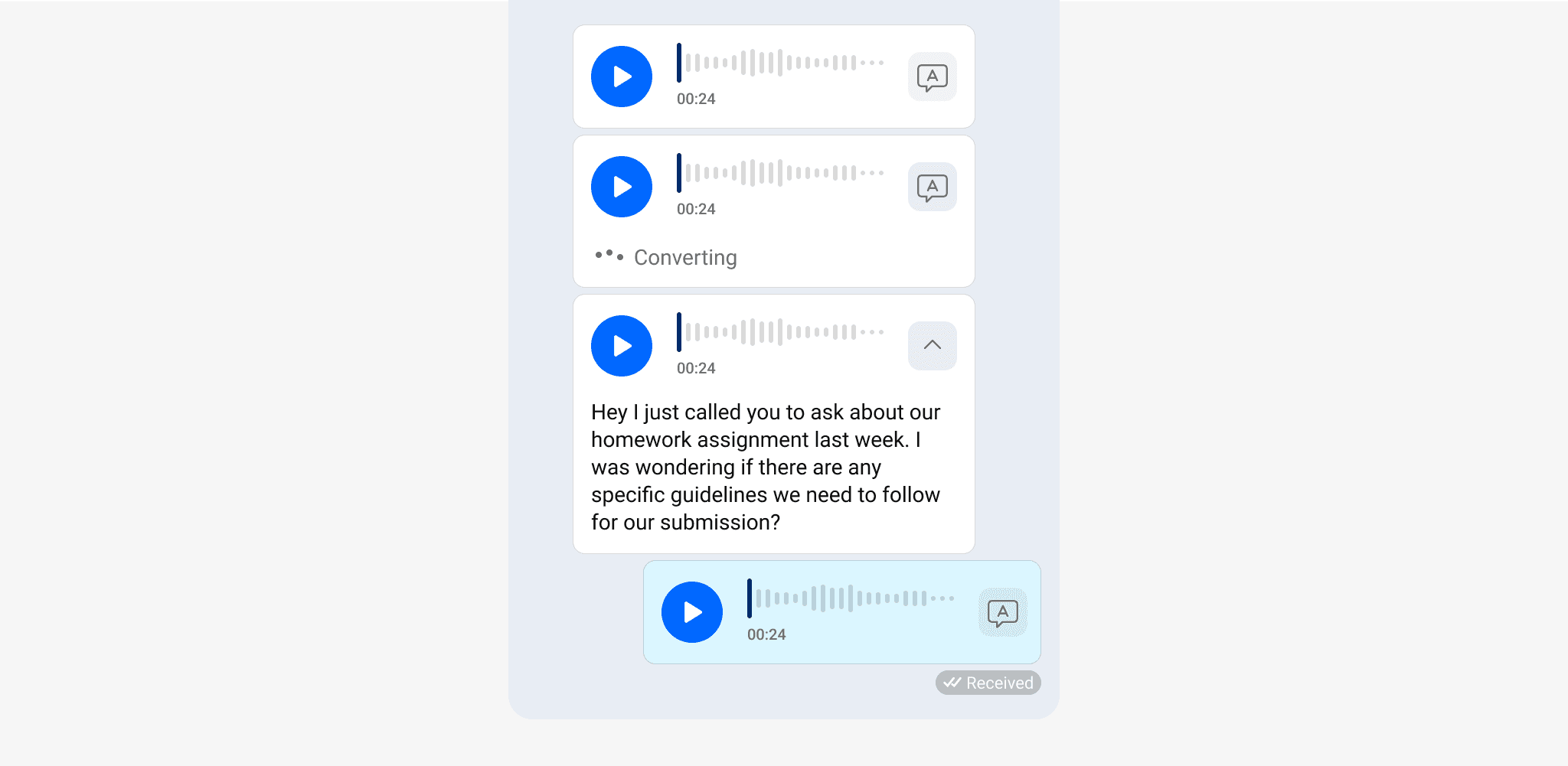
Since voice transcription is only used when users cannot conveniently listen to the conversation, we have decided not to automatically convert voice bubbles and users can collapse text content when needed. This decision also helps maintain the privacy characteristic of a voice message.
Scalability
Including all add-on features in the bubble chat is not recommended as it increases users' cognitive load and the available space within the bubbles is limited. We propose two possible solutions
Option 1
Redesign the context menu to incorporate additional voice features.
Option 2
Integrate a media player within the conversation screen.
Insights show that users tend to send multiple voice messages at once.
Advanced features that has influence on all of the bubble chat in the conversation (such as in-ear mode, speed,..) should be placed in a media player for better control, rather than incorporating these features into each voice bubble.
We then planned out a full version of the voice bubble for the receiving end to ensure the stability of the bubble layout in case of future improvements.
Basic settings: Basic features that are commonly used the most. It also includes any feature that can only be interacted with inside the bubble chat.
Global settings (Media player): Additional features that influence all voice chats at once